Product and variant signals
COMPR checks key identifiers and characteristics such as brand, model and variant details when available.
A clearer check before checkout
Open COMPR on a product page, start one deliberate check, and get a result only when the product and important variant details match reliably.
Free public preview · No payment details · Chrome extension
Product interface — example
The COMPR flow
COMPR stays out of the way until you choose to run a price check.
COMPR accepts a specific product page—not search, category, social-media or map pages.
The check starts only after your conscious click or tap.
See a sufficiently reliable match, or a clear no-match message when confidence is too low.
You decide whether to open an offer. Confirm price and availability with that retailer.
Why COMPR
“No reliable match” is more useful than the wrong size, model or variant.
COMPR checks key identifiers and characteristics such as brand, model and variant details when available.
Opening a page is not a price check. External searching begins only when you ask for it.
Timeouts, provider errors, cached responses and no-match outcomes do not count as successful free checks.
COMPR does not sell products. You purchase from the external retailer under its terms.
The actual product
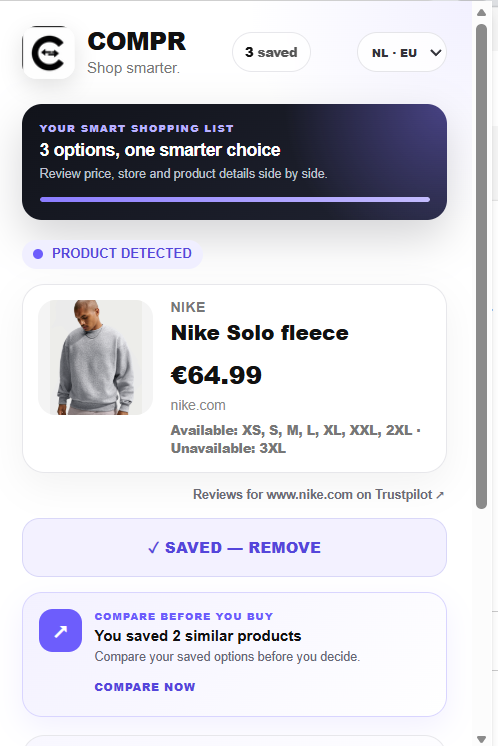
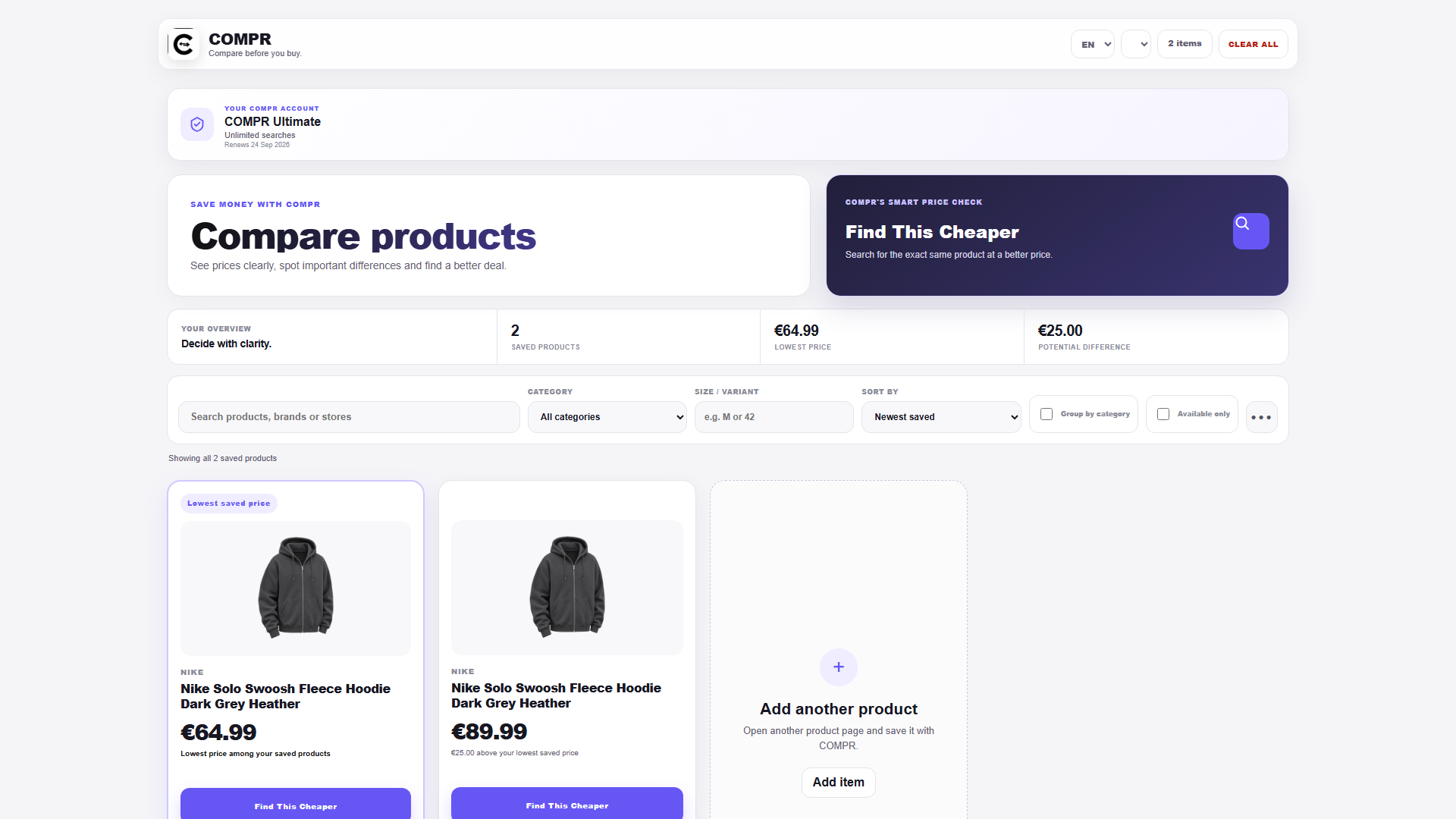
The COMPR interface keeps detected details visible so you can check the match before following an offer.
Platforms
Chrome
Open the existing Chrome Web Store listing to view current availability and installation details.
Coming soon
In development. Xcode conversion, signing, TestFlight installation and physical-device testing are still ahead.
Clear comparison rules
Coverage may not include every retailer. Prices and stock can change. COMPR currently does not receive affiliate compensation, and paid placement is not used.
Read our comparison methodology →FAQ
Specific products and important variant details visible on product pages. Search, category, social-media and map pages are not accepted.
No. Coverage and retailer data vary. COMPR only shows offers that pass its matching checks; verify final price and availability.
It reads the active page when you open the extension. External searching starts only after you select “Find This Cheaper”.
No. COMPR is a comparison aid. Any purchase is made from the external retailer.
Not yet. Safari support is in development and has not completed conversion, signing, TestFlight or physical-device testing.
Use the support page to report a problem or contact the beta operator.
The website has no analytics or ad trackers. See the Privacy Policy for extension data.
COMPR for Chrome
Install the free public preview and decide with better context.